

High-performance GPUs on your terms.
Run pay-per-use AI, ML, and batch workloads on distributed GPU compute through Ocean Network. Pick your GPU resources, then launch directly from your editor with Ocean Orchestrator.
GPU pricing and availability
Select the resources that fit your run
Dashboard → Editor → Outputs
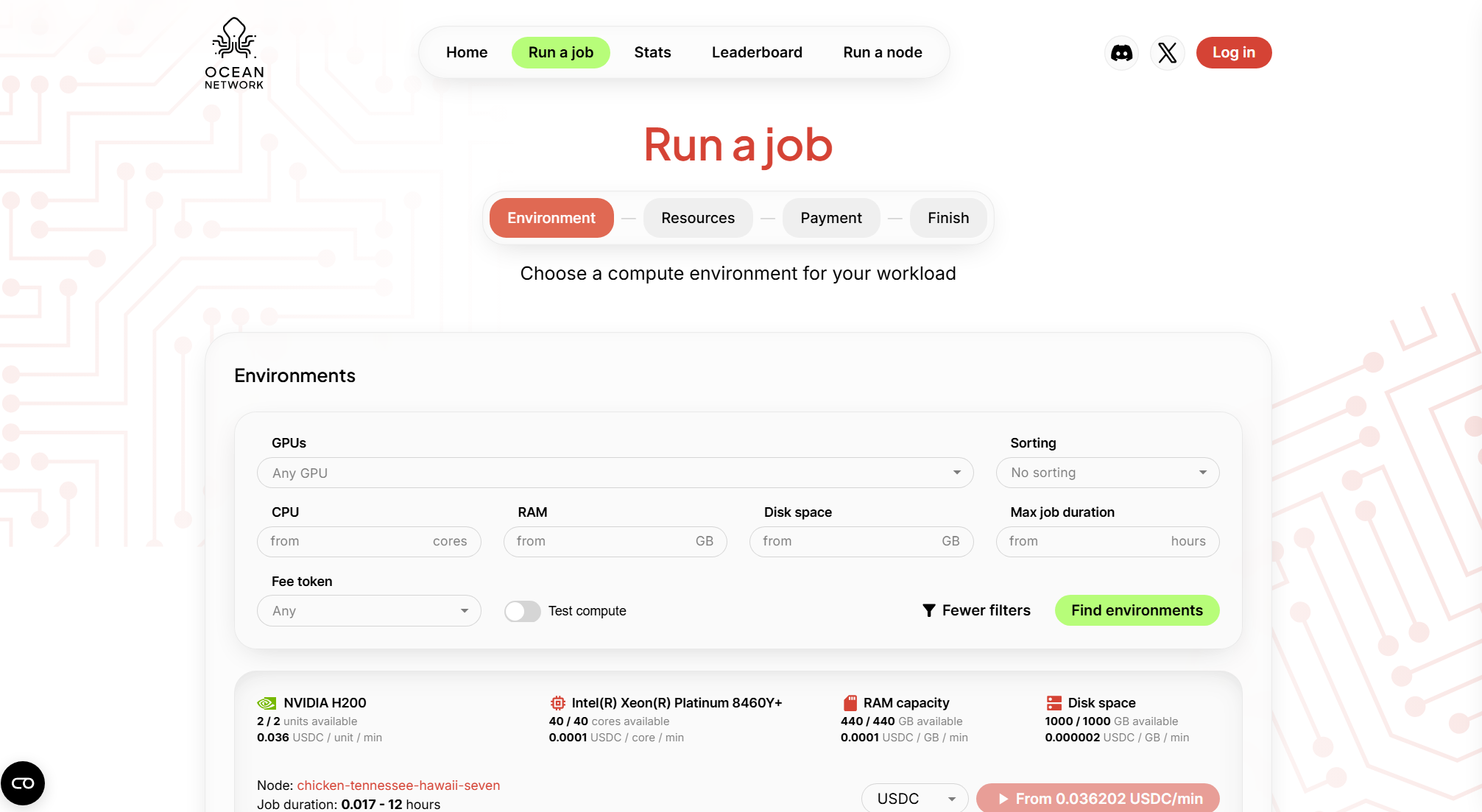
Choose environment and resources
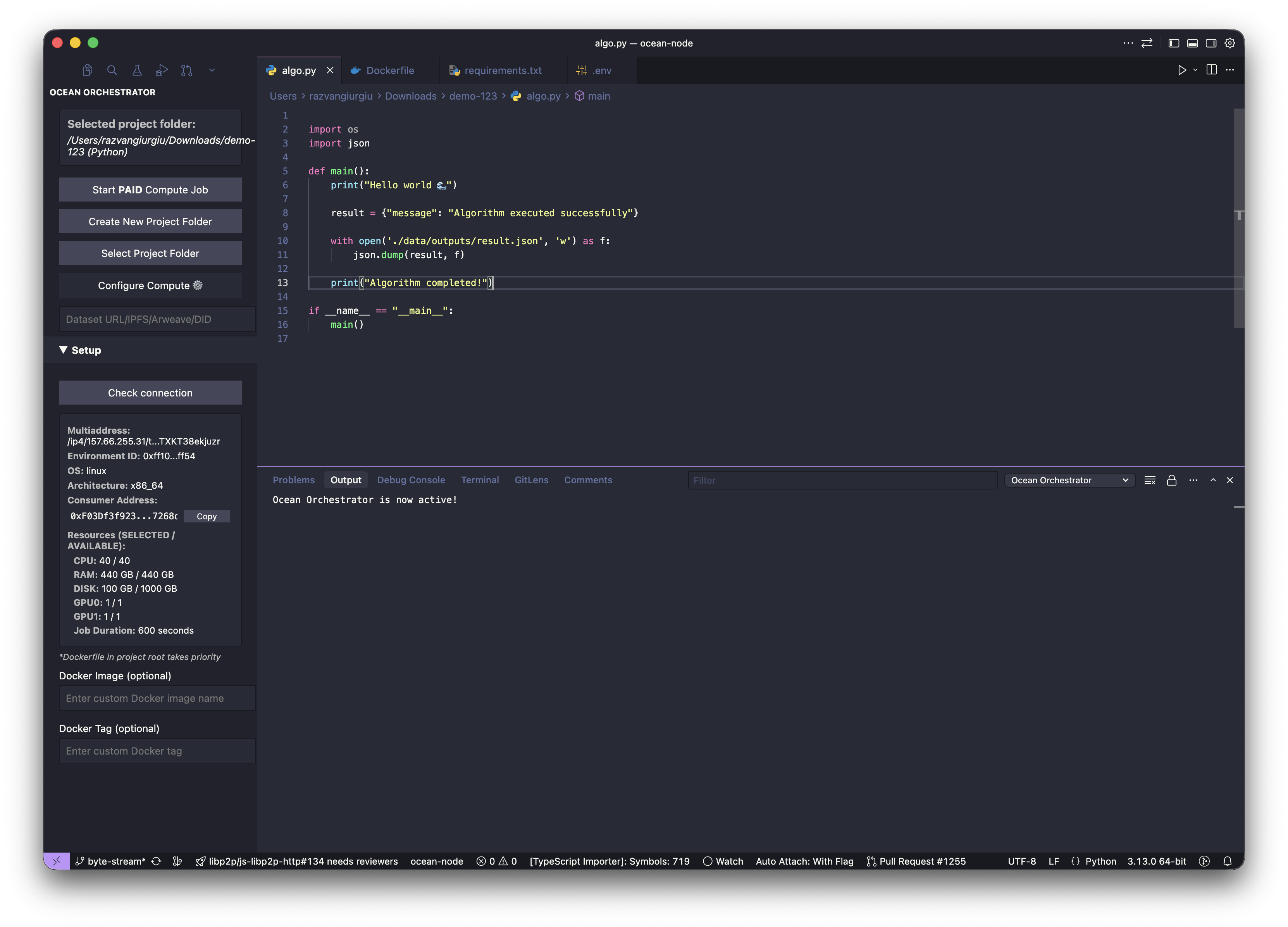
Ocean Orchestrator, Start compute job, view logs
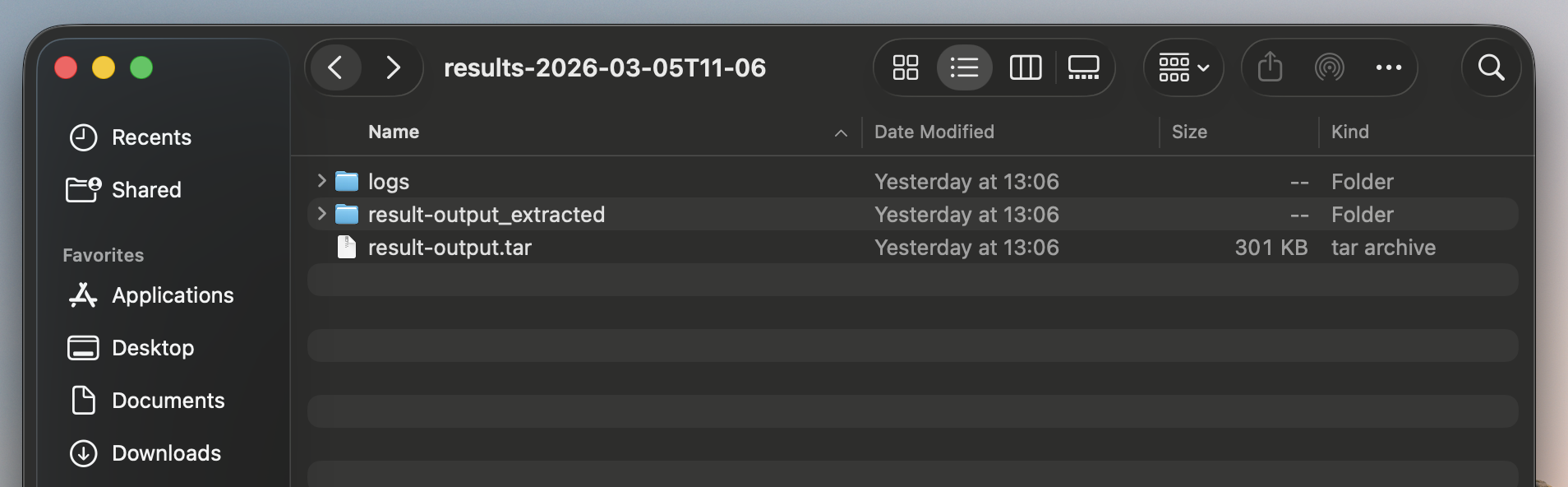
Results and logs saved to your folder
Stop losing time before the run
GPU compute workflows often slow you down before the job even starts. Comparing options, cloud setup, switching dashboards, and paying for idle infrastructure kills momentum.
You want a direct path: choose your GPUs, run a job, pay only for execution time.
How it works
Pick environment and resources in the dashboard
No forced bundles, choose exactly what your workload needs.
Fund your escrow wallet
Funds are held securely and released only after your job completes.
Choose your editor and open Ocean Orchestrator
Works with VS Code, Cursor, Windsurf, and Antigravity.
Start compute job, monitor logs
Launch with one click and track progress live in your editor.
Outputs land back in your local folder
Results and logs are saved automatically — no manual retrieval.
Funds locked in escrow
Budget is set before the job starts. Funds held securely in the escrow contract.
Job executes
Your containerized workload runs on the selected node. Progress tracked live.
Job marked as completed
Completion is verified before any payment is processed.
Payment released
Exact runtime cost released. Any remaining balance returns to your wallet.
Built for real GPU workflows
Batch runs that finish
Run inference over large input sets and pull back clean outputs and logs.
Embeddings and data prep
Turn raw data into artifacts your app can ship with.
Training and eval loops
Rerun the same job with different resources and iterate faster.
GPU compute,simplified.
Curious about how to run compute jobs? Get your answers and start building your projects with pay-per-use high-performance GPU compute.
The quickest way to run your first compute job is to use the Ocean Network dashboard: select the resources you need, then push them to Ocean Orchestrator (you’ll be prompted to install it if you haven’t). Ocean Orchestrator works in VS Code, Cursor, Antigravity, and Windsurf.If you prefer CLI, you can use ocean-cli to submit the job and pull results when processing is complete.
You can run containerized compute jobs like embeddings, model inference jobs, data cleanup, batch processing, and fine-tune model workloads that finish within the job window and produce outputs you can download.
Ocean Nodes are designed to manage failures locally, keeping compute job execution predictable and controlled. If a node goes down mid-run, the job can be restarted on the same node once it becomes available again. Funds are released from escrow only when the node explicitly marks a job as successful.Rerouting is handled by the user, in line with the Ocean Network ethos of giving users full control over which resources are used.This differs when a failure is caused by the algorithm itself. In that case, the job is treated as unsuccessful because the execution failed, not because the node was unavailable. See the dedicated FAQ for algorithm failures.
No. This is no server setup and serverless GPU compute: you choose a preferred Ocean Node with the resources you need, submit a containerized job, and get results back without managing servers or infrastructure
Yes, we have 3 types of free compute. Test CPU compute enviroemnts offered by Ocean Network, Complimentary Credits which gives you access to GPU compute and lets you use resources for $100 USD. The third type of test compute enviroments is the one that can be offered by node operators for the purpose of showcasing their resources for users to experiment with.
Ocean Network does not auto-assign your job to random machines. You pick the node or compute environment you want based on resource price limits and current availability, then submit the job to that specific resource. If it is busy, your job waits until that node becomes available. The dashboard shows availability and max duration per environment, so you can choose predictable compute up front
Run your next GPU job
Still unsure about your algorithm? Start with free CPU compute to validate your workflow, then move to pay-per-use GPU jobs.
Run a Job
Ocean network
Ocean Network is a decentralized, peer-to-peer (P2P) compute network for pay-per-use compute jobs that turns idle or underutilized GPUs into usable distributed compute resources.


